CNC Drawings & RFQs: A Practical Casebook
Use annotated drawings, completed RFQs and worked quote comparisons to prepare clear requirements for your CNC supplier.
Free download. No registration required.
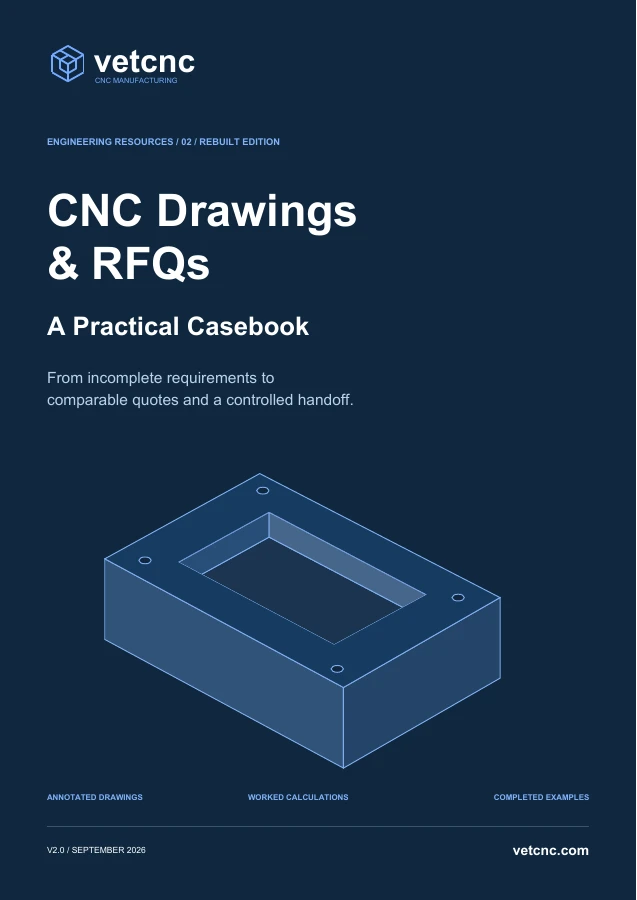
From an incomplete drawing to a supplier-ready RFQ
This 36-page casebook uses a CT-100 equipment-tray exercise to work through drawing review, supplier questions, quotation comparison and revision control. It helps engineering buyers prepare a clear brief for a machine shop.
The casebook includes annotated drawing extracts, completed RFQ examples, worked calculations, mock quotations, a sourcing decision and delivery checks. Two reusable worksheets follow the examples for use on your own project.
What’s inside
| Section | What you will work through | Pages |
|---|---|---|
| The CT-100 case and drawing review | Identify missing requirements and connect an annotated drawing to a complete RFQ checklist. | 3–7 |
| Tolerances, threads and access | Review size, form and location; work through clearance arithmetic, blind-thread definitions and DFM proposals. | 8–11 |
| Materials, inspection and files | Connect material evidence, final finish, inspection decisions and the released CAD/drawing package. | 12–16 |
| A completed RFQ and clarification | See a completed project brief and a discussion that resolves missing or unclear requirements. | 17–18 |
| Two offers on a common basis | Compare what each quote includes, calculate costs on the same basis and review quantity options, the full schedule and the supplier selection. | 19–25 |
| Delivery and transfer cases | Review delivery evidence, manage a revision and apply the method to turned sleeves and polymer parts. | 26–29 |
| Questions and outgoing email | Resolve recurring RFQ questions and adapt a complete inquiry email. | 30–31 |
| Reusable worksheets | Complete a one-page RFQ brief and a buyer-internal comparison and release check. | 32–33 |
| Reference register | Find the primary sources and the scope of each reference. | 34–35 |
A worked handoff: resolve the exception before release
In the CT-100 example, a supplier proposes increasing a pocket’s internal radius from R4 to R5 to simplify machining. That is a design proposal, not an approved change. The base quote keeps R4 ±0.2; an R5 option stays separate until the designer checks the mating insert and clearance and approves the revised definition.
The file-review exercise also asks what to do if the model shows a 14 mm pocket depth while the drawing shows 12 mm. Do not choose whichever value is easier to machine or assume that one file always overrides the other. Hold the affected release, identify the conflict and obtain one approved, consistent definition.
- Record the exact issue. Name the part, revision, feature and conflicting files or proposed change. “Please confirm the drawing” is too vague to close the question.
- Get the right decision. The designer resolves the technical requirement; the buyer confirms the commercial scope. The supplier explains the proposed route and its consequences rather than silently changing the requirement.
- Close the loop in the package. Record the decision, responsible approver and approved document. Check that the quote, model, drawing and inspection plan reflect that decision before the affected work is released.
These two RFQ handoffs appear on pages 16–18. The reusable worksheets help carry the same decision trail into your own RFQ.
How to use the casebook
- Start with pages 3–7 and 17. Follow the part from the incomplete request through the revised drawing extract to the completed RFQ.
- Compare pages 19–25. Review what each supplier includes before comparing cost, quantity and delivery timing.
- Use pages 32–33 for your own project. Complete the reusable worksheets after studying the worked examples, using your actual released requirements.
Units and drawing files
Dimensions are in millimeters unless stated.
The PDF does not include downloadable CAD files, and its drawing extracts are not complete production drawings. Use the reasoning and information structure with your own approved design and project requirements.
Pages 32–33 contain interactive fields. Use a form-capable PDF reader, save your copy and reopen it to check that entries persist. Filling in the PDF does not submit an inquiry or transmit your files; send the approved package separately through your agreed channel. Keep the buyer-internal comparison sheet and competing suppliers’ prices out of the outgoing RFQ.
Continue preparing your CNC project
Review geometry, materials and inspection questions with the companion CNC Part Design & Manufacturability white paper.
For a shorter online introduction, read What to Include in a CNC Machining RFQ, or explore our CNC machining services.
Published by VETCNC. Version 2.0 · September 2026 · English. The source register appears on pages 34–35.
